Attendance gets complicated the moment your employees work outside one office. A pharma company's medical representatives, an FMCG distributor's salesmen, a builder's site supervisors, a retail chain's store staff across the city — how do you know they were actually where they said they were?
Geo-fencing answers that question. It creates a virtual boundary around each work location and only accepts attendance from inside it. This guide explains how it works, how to set it up for Indian conditions, and the mistakes to avoid.
What Is Geo-Fencing?
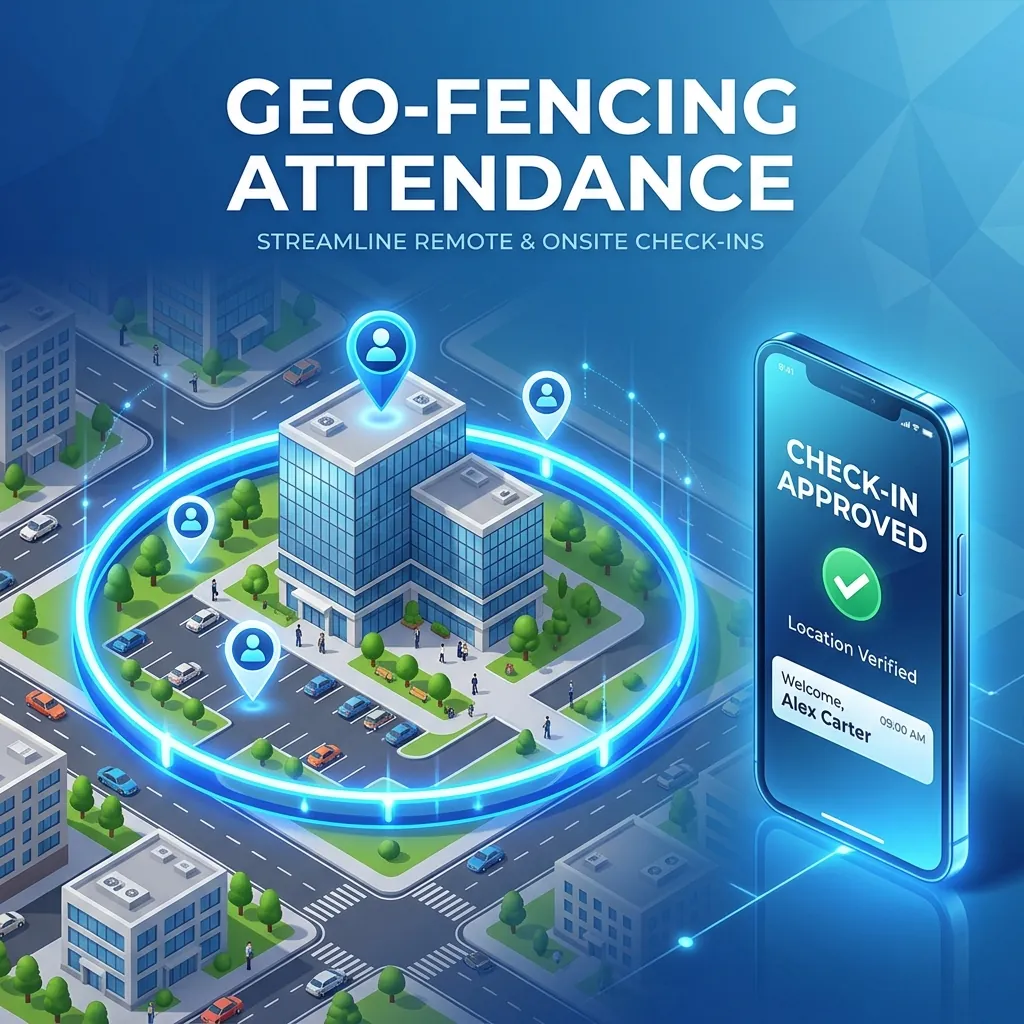
Geo-fencing is a location-based check built into a mobile attendance app. You mark a work location on a map and set a radius around it — the "geo-fence". When an employee tries to check in, the app reads the phone's location and accepts the punch only if the phone is inside that boundary.
How It Works in Practice
- HR sets up the geo-fence: mark the office, factory, store or site on a map and choose a radius (for example, 200 metres).
- Employee opens the app and taps check-in.
- Location is verified: the app compares the phone's position with the boundary.
- Inside the boundary: attendance is accepted and saved with the time and coordinates.
- Outside the boundary: the check-in is rejected and the employee sees why.
Who Needs Geo-Fencing in India
Field Sales and Distribution Teams
FMCG and consumer-durable salesmen, distributor staff and channel sales teams start their day in the market, not the office. Geo-fencing at the distributor point or first beat confirms they actually started work there.
Medical Representatives
Pharma MRs visit doctors, chemists and hospitals across a territory. Geo-tagged check-ins at each visit replace self-reported call reports with verifiable data.
Construction and Real Estate Sites
Supervisors and workers move between projects. A geo-fence around each site means attendance is only accepted at the site they are assigned to.
Multi-Branch Retail and Showrooms
Store staff check in at their own branch, not from the bus stop or from home. Each branch gets its own geo-fence.
Service Engineers and Technicians
AC, RO, solar and appliance service teams check in at the customer's location, giving you proof of visit for every job.
Offices with Hybrid Teams
Employees who are allowed to mark attendance on their phones can only do so from the office on office days.
Geo-Fencing vs Geo-Tagging
| Feature | Geo-Fencing | Geo-Tagging | |---|---|---| | Purpose | Restricts where an employee can check in | Records where an employee checked in | | How it works | Blocks check-in outside a boundary | Attaches coordinates to every punch | | Enforcement | Active — prevents wrong check-ins | Passive — logs location for review | | Best for | Fixed offices, factories, stores, sites | Field staff with changing locations |
Most businesses use both: geo-fencing for fixed locations and geo-tagging for field staff whose route changes every day.
Setting Up Geo-Fencing for Indian Conditions
Step 1: List Every Work Location
Head office, factory, warehouses, branches, project sites and regular client locations. Get the exact pin from Google Maps rather than typing an address.
Step 2: Choose the Right Radius
| Location type | Suggested radius | |---|---| | Office in a commercial building or SCO | 100–150 m | | Shop or showroom in a busy market | 100–200 m | | Factory or industrial plot | 200–500 m | | Construction site or large campus | 300 m – 1 km |
Too tight and genuine employees get rejected; too wide and it stops meaning anything.
Step 3: Plan for Indian GPS Challenges
- Dense markets and multi-storey buildings: GPS can drift 30–50 metres in crowded sectors and inside concrete buildings.
- Basements and parking-level offices: GPS may not work at all — mark attendance at the entrance, or use a biometric machine at the door instead.
- Budget Android phones: older or low-cost phones may take longer to get an accurate fix. Ask employees to keep location set to "high accuracy".
- Patchy mobile data on remote sites: choose an app that can record the punch offline and sync later.
Step 4: Watch for Fake GPS Apps
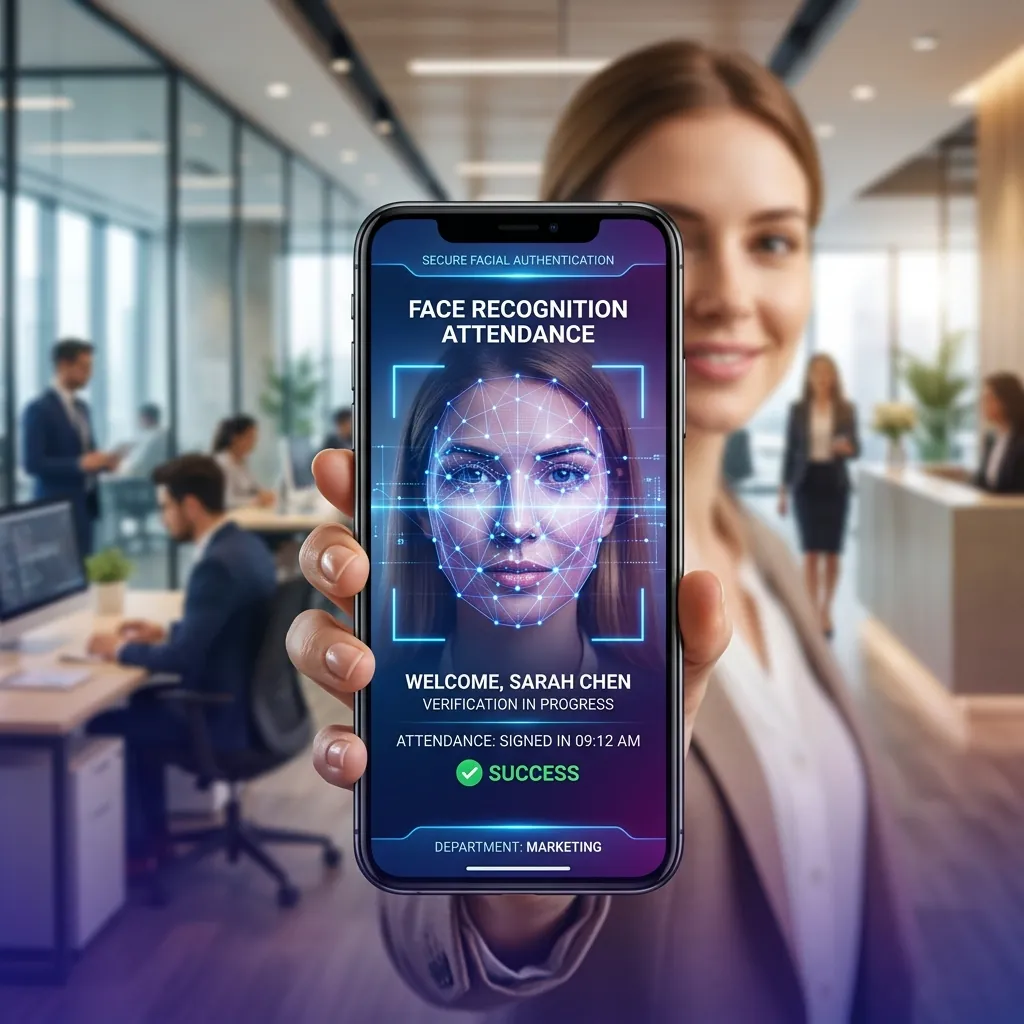
"Mock location" apps that fake a phone's position are freely available on Android. A good attendance app should detect mock locations and reject those punches. Pairing geo-fencing with face recognition also ensures the right person is checking in, not just the right phone.
Step 5: Explain It to Employees
Tell employees what the system does before switching it on. Location is checked only at check-in and check-out, not tracked all day. Genuine employees usually welcome it because it ends unfair comparisons with colleagues who cheat.
Compliance and Privacy in India
Labour Law Records
Factories and shops must keep accurate records of working hours, weekly offs and overtime under the Factories Act and state Shops & Establishments laws, now being brought under the new Labour Codes. Time-stamped, location-verified attendance gives you records that hold up in inspections and wage disputes.
Data Protection (DPDP Act)
Location data is personal data under the Digital Personal Data Protection Act, 2023. Give employees a clear notice of what you collect and why, collect location only at check-in and check-out, use it only for attendance and payroll, and keep it secure.
Common Questions
"Will GPS work inside our building?" Phones combine GPS, Wi-Fi and mobile tower signals, so a radius of 100 metres or more handles most buildings. For basements, use a biometric machine at the entrance.
"Our salesmen visit 15 shops a day. Do we need 15 geo-fences?" No. Use a geo-fence for the starting point (office or distributor) and geo-tagging for each visit.
"Does it drain the battery?" No. Location is read only at the moment of check-in, not continuously.
"Can an employee work from more than one location?" Yes. Assign employees to multiple geo-fences, or create temporary ones for project sites.
Conclusion
For Indian businesses with field staff, multiple branches or project sites, geo-fencing turns attendance from "trust me" into verified data. Set a sensible radius, plan for GPS drift and fake-location apps, and combine it with face recognition for attendance that is practically tamper-proof.
XoMB HR's mobile app combines geo-fencing, geo-tagging and AI face recognition on any Android phone, and feeds attendance straight into salary processing. For businesses in Panchkula, Chandigarh, Mohali and Zirakpur, we offer free on-site setup — book a demo.